
Locked Out of an Old Apple Account: How Changed Security Questions Lock You Out for Good, and Why Every Account Needs a Passkey
A client's old Apple account, one they'd stopped using, was taken over. No two-factor, so whoever got in reset the password and changed the security questions, and our client was locked out for good. Here is how that happens, why Apple couldn't help, and the setting that stops it on every account you have.
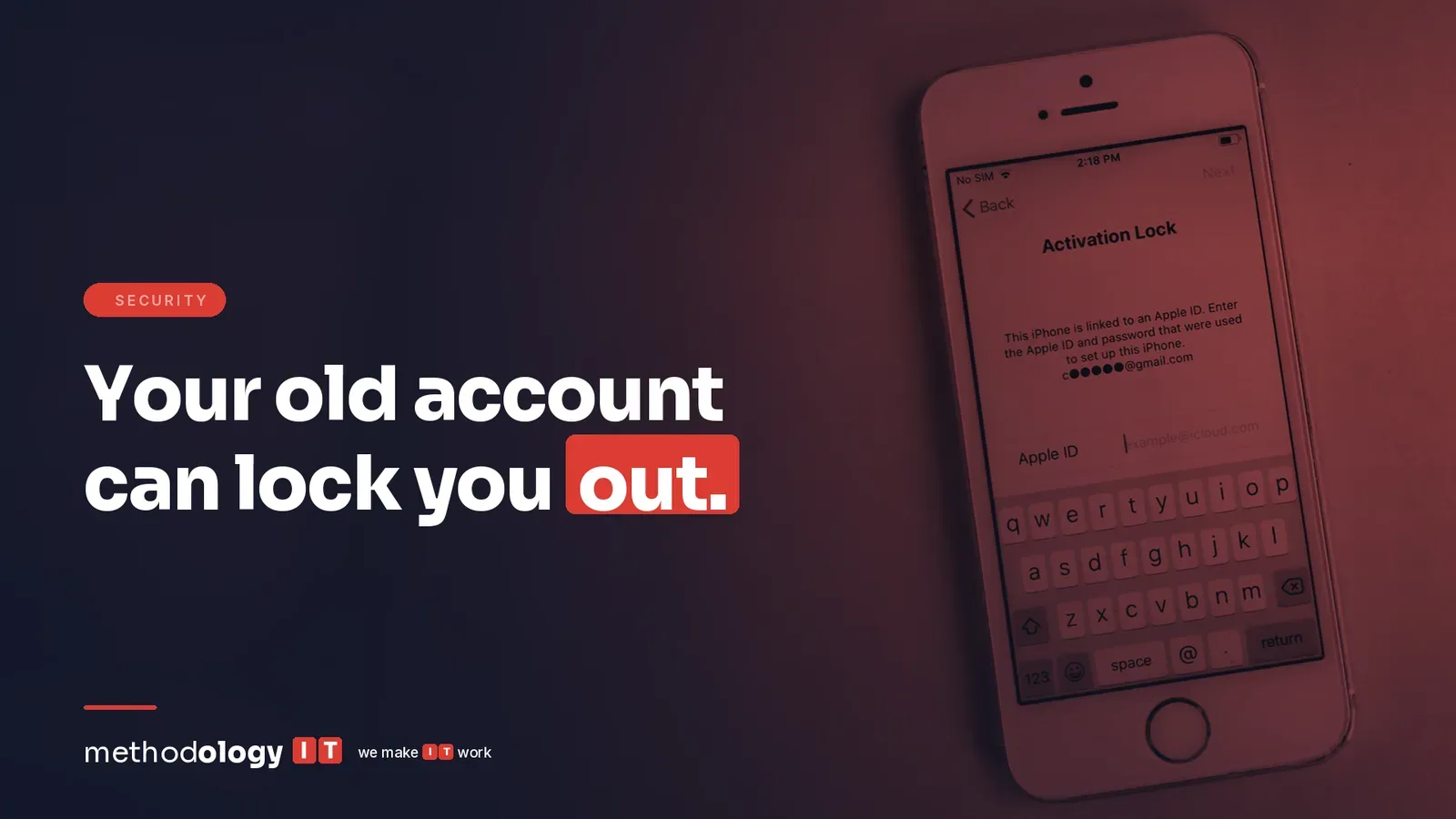
We had a client come to us with an old Apple account. They don't use it anymore, but they realized someone else had connected to it.
They were receiving the emails. Someone reset the password. Someone changed the security settings. Then they started seeing devices added to the account, and people added to the family account, which is strange.
What they didn't realize, and what most people probably don't realize, is how quickly that turns into an account you can never get back.
How an old account becomes someone else's
With an Apple account, you can reset the password if you have access to the email. But if you don't have two-factor set up, and you don't know the answers to the security questions, you can't get back into the account.
In our client's case, the account didn't have two-factor. Whoever logged in reset the password, and then reset the security questions. If you look at the security questions now, they're in Chinese characters.
At that point, that's it. Our client can reset the password, but they still can't log in, because they can't answer any of the security questions. We have access to the email, and to the backup email on the account. It doesn't matter. They can't do anything with the Apple account.
So someone has access to this account. They control it. And there's nothing our client can do.
Why Apple couldn't help
I don't think most people realize this, but Apple can't help you here. At that point, there's nothing they can do.
That's by design. Apple uses security questions as a way to confirm it's really you on accounts that don't have two-factor authentication. Apple's own support page says that if you forget the answers to your security questions, you need a rescue email address to reset them, and it points anyone who doesn't want to rely on security questions toward two-factor authentication instead.
Think about what that means when an attacker is the one who changed them. The account now trusts the attacker's answers. Every check Apple runs to protect you is now protecting them. Apple's support team can't hand the account to whoever calls in claiming to be the owner, because that's exactly what an attacker would do too.
The same logic applies to most online accounts. The recovery process is built to keep strangers out. Once a stranger owns the recovery details, the process keeps you out.
An old account is still your account
This one was an Apple account, but it could be any account you have.
Most of us have a pile of accounts we stopped using years ago. An old Apple account from a phone you replaced. A personal email from a previous job. Shopping sites, streaming services, the login for a tool you trialed once. Nobody's watching them, and plenty of them were set up before two-factor was normal. That's what makes them easy.
And an old account isn't empty. It can still hold your saved payment cards and old photos, and it's often linked to the email address you use today. For a business, it's often worse: an old admin login for a vendor portal, a former employee's account that was never closed, a social media page nobody remembers the password to.
You never want to be locked out of something, even long after you're done using it. And you never want someone to log into that account as you and do whatever they want with it.
Lock down every account you have
We talk and talk and talk about making sure two-factor, or now passkeys, are set up. But really, all of your accounts, not just your company account, should be as secure as possible. Here's how we'd go about it.
1. Use a passkey wherever it's offered. Passkeys are very popular now, and they're very easy. A passkey signs you in with your phone or computer's Face ID, fingerprint or PIN, so there's no password for anyone to steal or guess, and nothing to type into a fake login page. If an account offers a passkey, set one up.
2. Turn on two-factor everywhere else. At the very least, if an account doesn't offer passkeys, turn on two-factor authentication. An authenticator app is better than text messages, but either one beats a password alone by a long way.
3. On Apple accounts, two-factor replaces security questions. Once two-factor is on, Apple confirms it's you with your trusted devices and phone number instead of security questions. Apple's passkeys require two-factor anyway, so setting up one gets you both.
4. Check the recovery details. Make sure the email address and phone number on each account are ones you still control. A recovery email at an old job or a phone number you gave up years ago is a way in for someone else, and no help to you.
5. Close the accounts you don't need. If you're done with an account, close it instead of leaving it sitting there with your name on it. An account that doesn't exist can't be taken over.
None of this is complicated, and none of it costs anything. It's an afternoon of signing in to things you'd forgotten about.
If it's already happening
Our client's first warning was the email. A password reset they didn't ask for, then a change to the account's security. Treat those emails as real until you've checked, and check right away.
If you get one, sign in to the account directly, never through a link in the email, and change the password right away. Then look at the devices signed in to the account and remove any you don't recognize, check that the phone number and email on file are still yours, and turn on two-factor before you do anything else. Apple's guidance for a compromised account walks through the same steps.
If you can't get in at all, call us or your IT provider the same day. Every hour the attacker has the account is an hour they can use to change something else.
Where to start
Start with the account that would hurt most to lose. For most people that's their Apple or Google account, because it's the recovery for almost everything else you own. Sign in, look at the security settings, and turn on two-factor or add a passkey today.
Then make a list of the old ones. Everything you can remember signing up for, personal and business. Work down the list, a few a week, and either lock them down or close them.
For your company, ask the same question about every shared login and every former employee's account. Those are the ones nobody owns, so nobody checks.
One question to answer this week: which of your accounts, personal or company, still signs in with just a password? If you're not sure, book 15 minutes and we'll help you find them and lock them down, or run our free external scan to see what an attacker can already find about your company.
Keith Parker is the CEO of Methodology IT, a managed IT services provider in Los Angeles that has supported healthcare practices, nonprofits, and growing businesses across Southern California since 1997.
Sources: Apple Support: Change your Apple Account security questions · Apple Support: Two-factor authentication for Apple Account · Apple Support: About the security of passkeys · Apple Support: If you think your Apple Account has been compromised
Ready to make IT work?
No pressure, no sales pitch. A senior tech will walk your environment with you and leave you with a report, whether you hire us or not.